Live TV Workspace, Docked 16:9 Preview & 0.14s Instant Channel Zapping
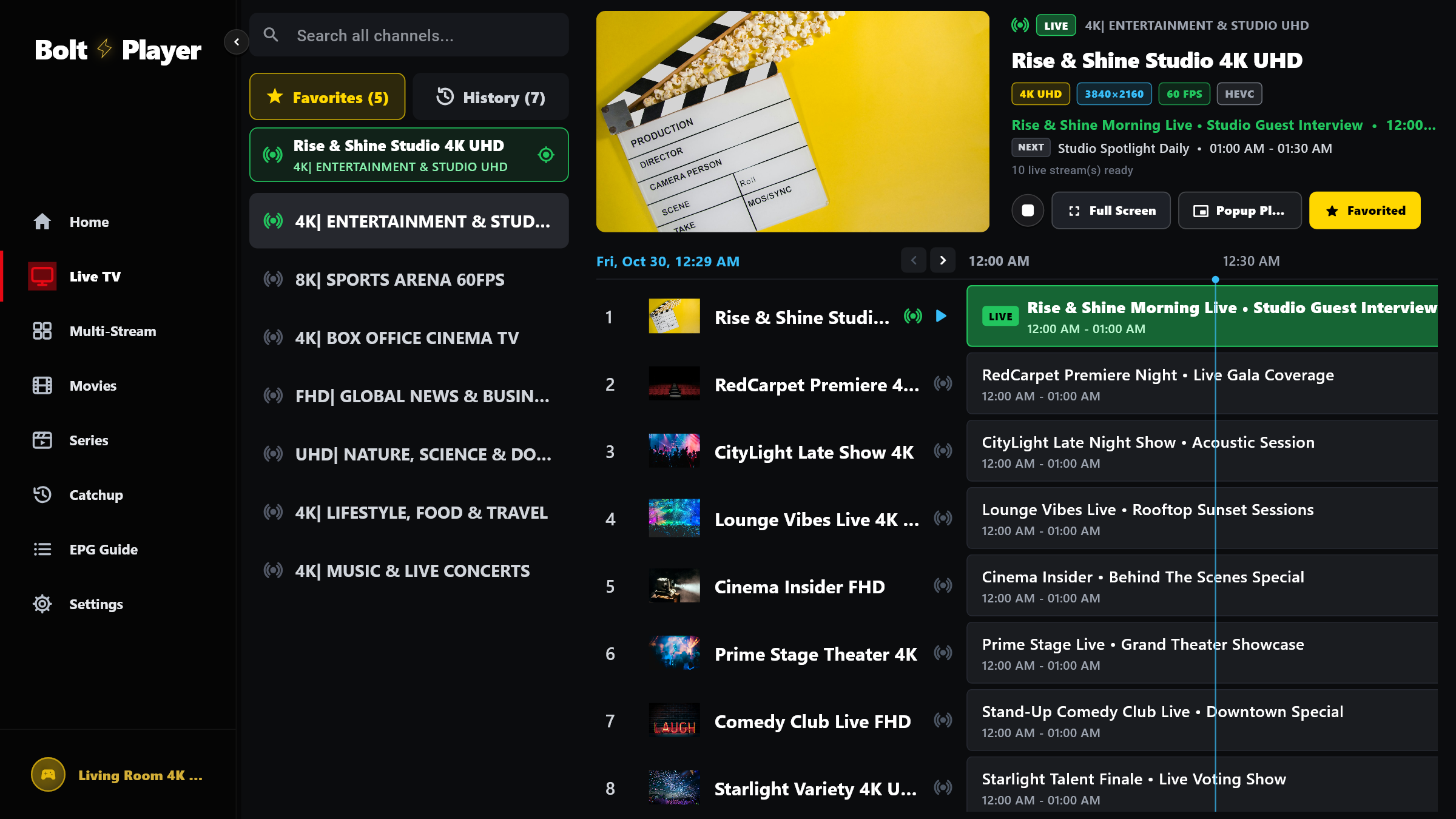
Browse thousands of live channels organized in their exact provider rank, preview broadcasts in a docked 16:9 window with live Now & Next EPG listings, and expand to Full Screen in 0ms.
Engineered for Zero-Lag Live Sports & Broadcast Television
BoltPlayer preserves your provider's exact channel ranking and keeps the active video surface alive as you move between the docked preview, Full Screen, and Popup modes.
Categories and channels appear in your provider's exact order by default, or can be sorted A–Z / Z–A in Settings.
If a live stream experiences a network hiccup, BoltPlayer automatically retries up to 5 times before prompting.
All Captured Views for Live TV & Instant Zapping
Live TV Categories, Docked 16:9 Preview & Synchronized EPG
Left sidebar with global search, Favorites, History, and category folders; top-right 16:9 live preview with stream telemetry; bottom channel list with horizontal EPG slots.
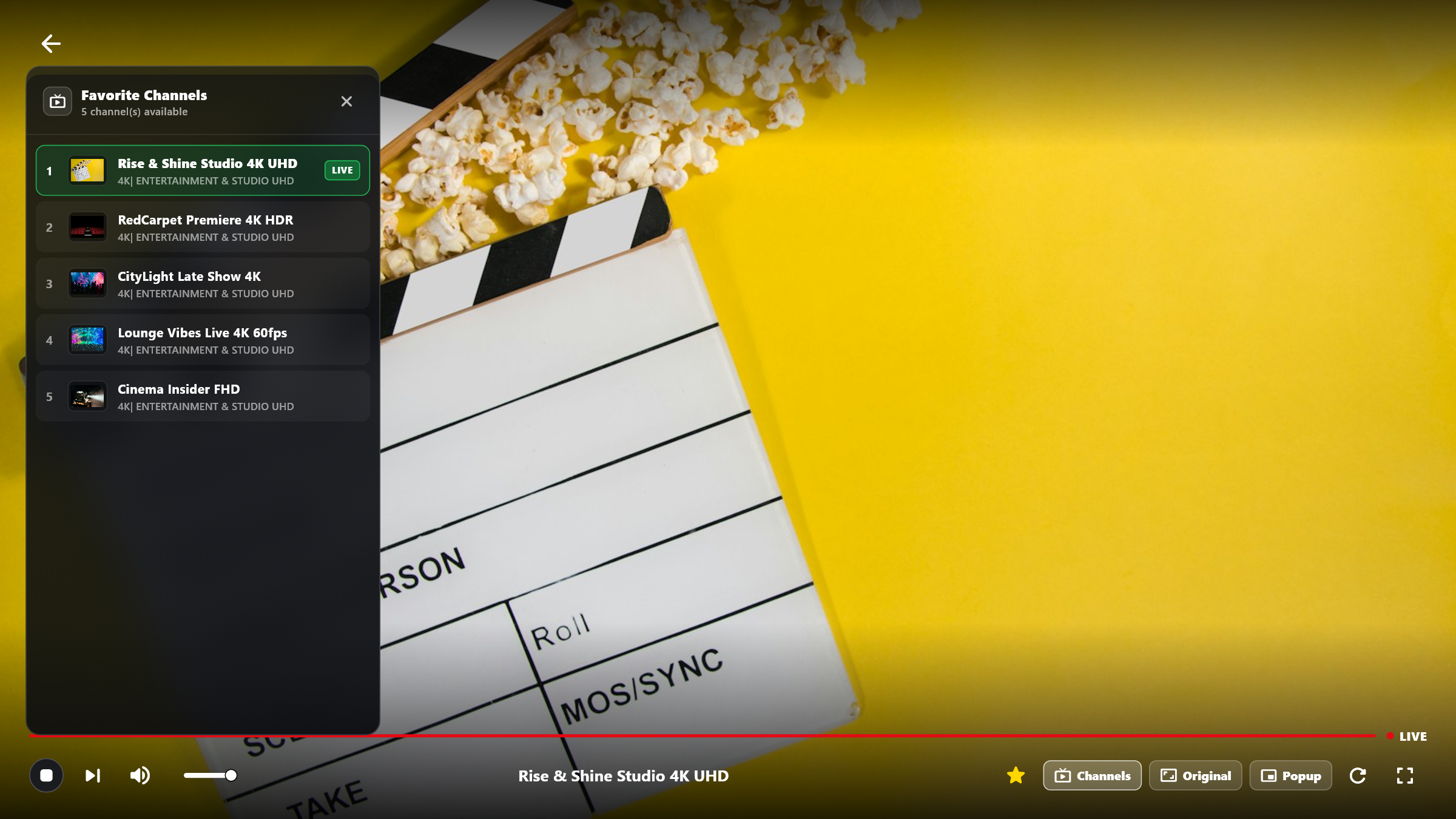
0ms Expansion to Full Screen + Favorite Channels Drawer
Because Live TV and Full Screen share a single libmpv video controller, clicking Full Screen expands the video instantaneously without any black frame or reload.
Try Live TV & Instant Zapping Free for 30 Days
Download BoltPlayer for Windows 10/11 or connect your playlist immediately via QR Code / MAC Address & Device Key.